Introduction
Amazon Firestick is one of the most popular streaming devices. Many users install the Downloader app to easily download IPTV applications and start watching live TV.
In this guide, we will show you how to install Downloader on Firestick, step by step. We will also show you how to stream IPTV channels on your device.
For a reliable IPTV subscription, try Proto IPTV UK or IPTV Main. They offer thousands of channels, including sports, movies, and TV shows.
Step 1 – Turn On Apps from Unknown Sources
Before installing Downloader, you need to allow apps from unknown sources.
Follow these steps:
1. Open Settings on your Firestick.
2. Select My Fire TV.
3. Click Developer Options.
4. Turn on Install Unknown Apps.
5. Enable Downloader.
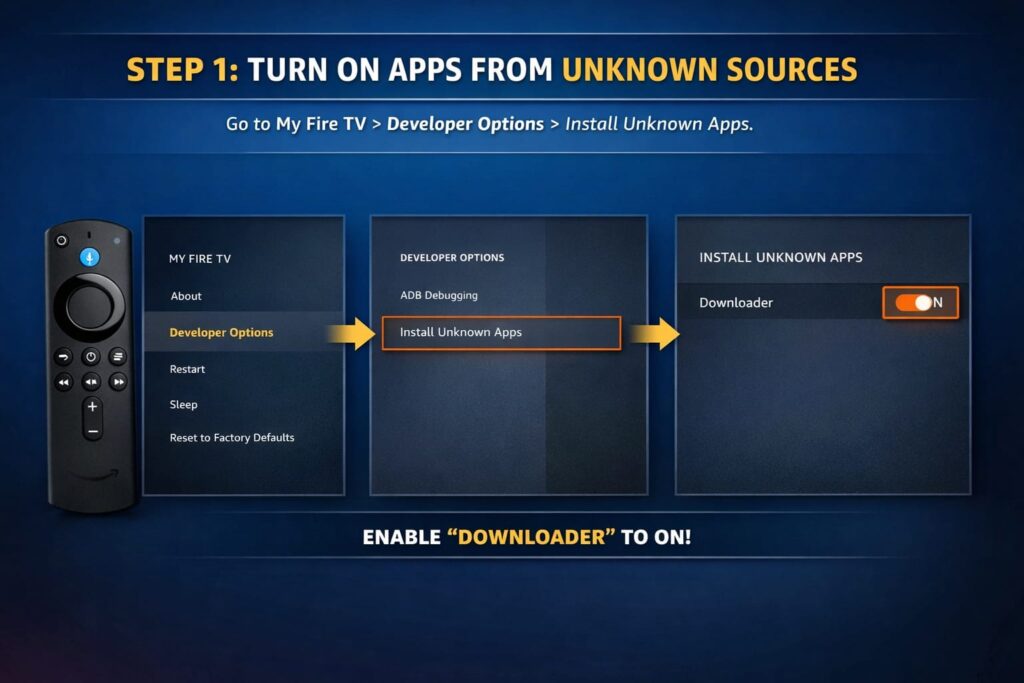
This allows you to install IPTV apps on your device.
Step 2 – Install Downloader on Firestick
Now you can install the Downloader app.
1. Go to the Amazon App Store.
2. Search for Downloader.
3. Click Download.
4. Install the application.
5. Open the app.
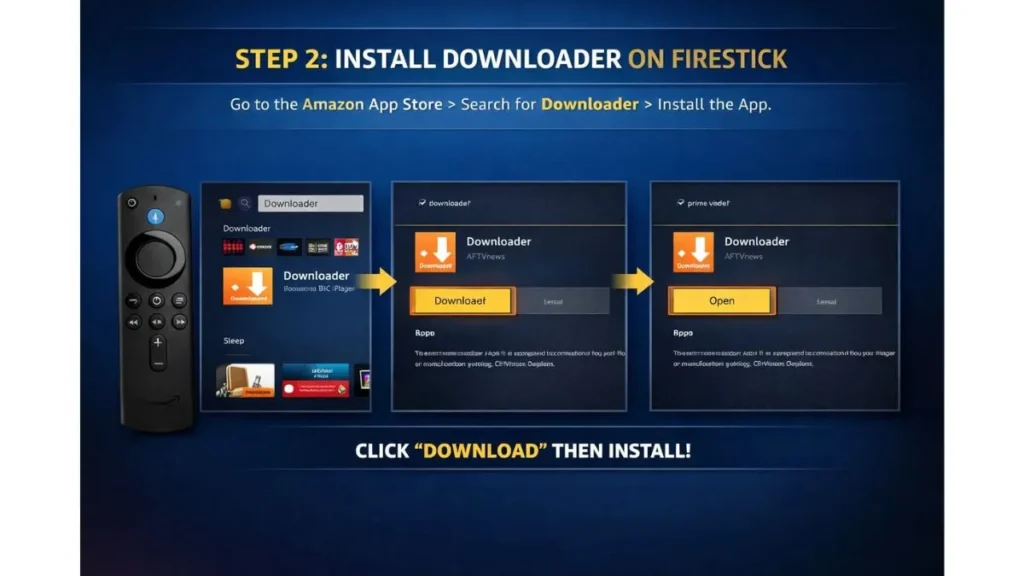
The Downloader app allows you to install IPTV players and streaming apps easily.
Step 3 – Download an IPTV Player
Once Downloader is installed, you can download IPTV apps such as:
IPTV Smarters
TiviMate
IBO Player
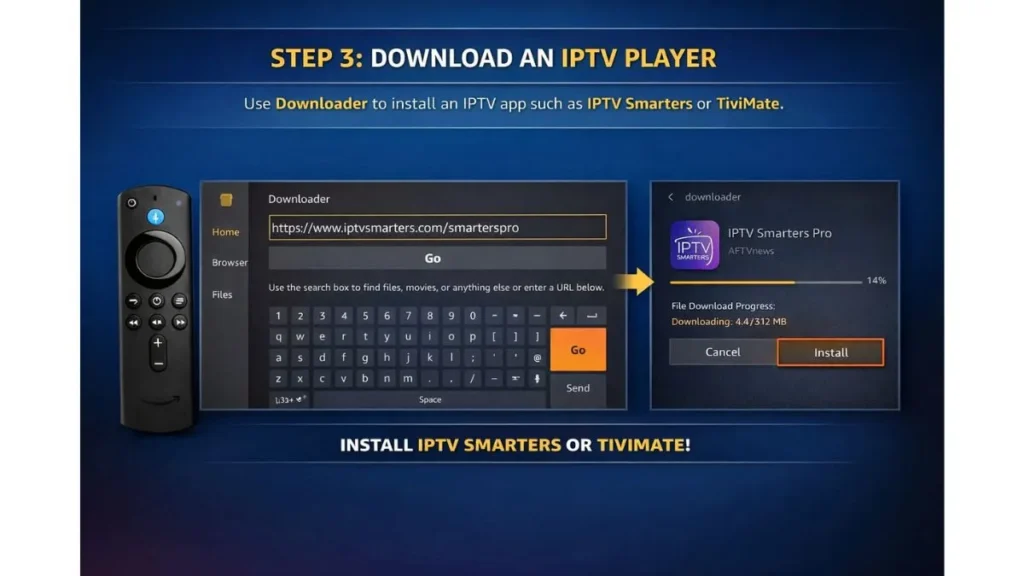
After installing the player, you only need an IPTV subscription to start watching live channels.
Step 4 – Add Your IPTV Subscription
After installing the IPTV player, enter your IPTV login details.
You can get a subscription from our website.
Just click on Proto IPTV UK subscriptions:
Proto IPTV subscription and choose the subscription period you want
Just clik on IPTV Main subscriptions:
and choose the subscription period you want
These IPTV services provide access to thousands of live channels, sports, movies, and TV series.
Devices Compatible with IPTV
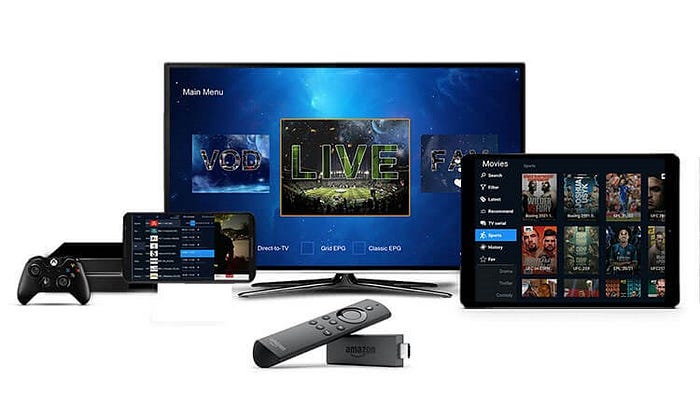
You can use IPTV services on many devices such as:
Amazon Firestick
Android TV
Smart TVs
Android phones
iPhone and iPad
This allows you to watch your favorite content anywhere.
Conclusion
Installing Downloader on Firestick is the easiest way to install IPTV apps and start streaming live TV.
Once you install your IPTV player, you only need a reliable IPTV subscription. Try Proto IPTV UK or IPTV Main. Enjoy sports, movies, and live channels in high quality.